Getting started
Create your account and your first store, and understand what you are looking at.
checkout.tn gives you one order link per product. You share it in your stories, your posts or your ads, your customer orders in seconds, and the order lands in your dashboard, ready to prepare and to deliver against cash on delivery. There is nothing to install, for you or for your customers.
Create your account#
- Open app.checkout.tn and choose “Sign up”.
- Sign up with your email address or with your Google account.
- Confirm your email address: that is the one your order alerts will go to.
Signing up is free and will stay free. No bank card is asked for, and we take no commission on your sales.
Create your first store#
The first time you sign in, checkout.tn asks you to create a store. It is the frame that will hold your products, your orders and your settings. One account can run several stores, one per brand or per activity.
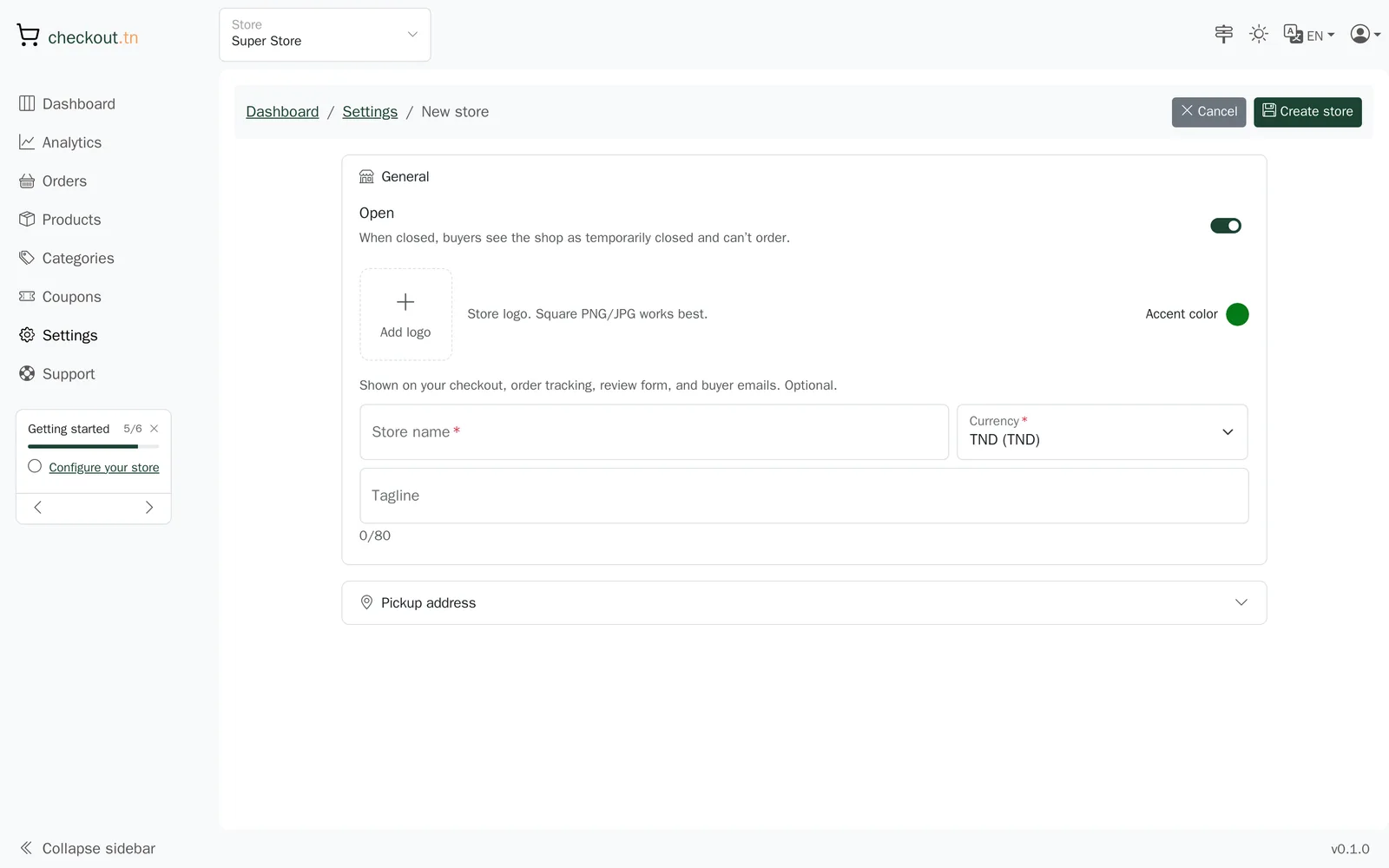
- Give your store a name: it is the name your customers will see on the order page and in their emails.
- Check the currency and the country.
- Confirm. You land on your dashboard.
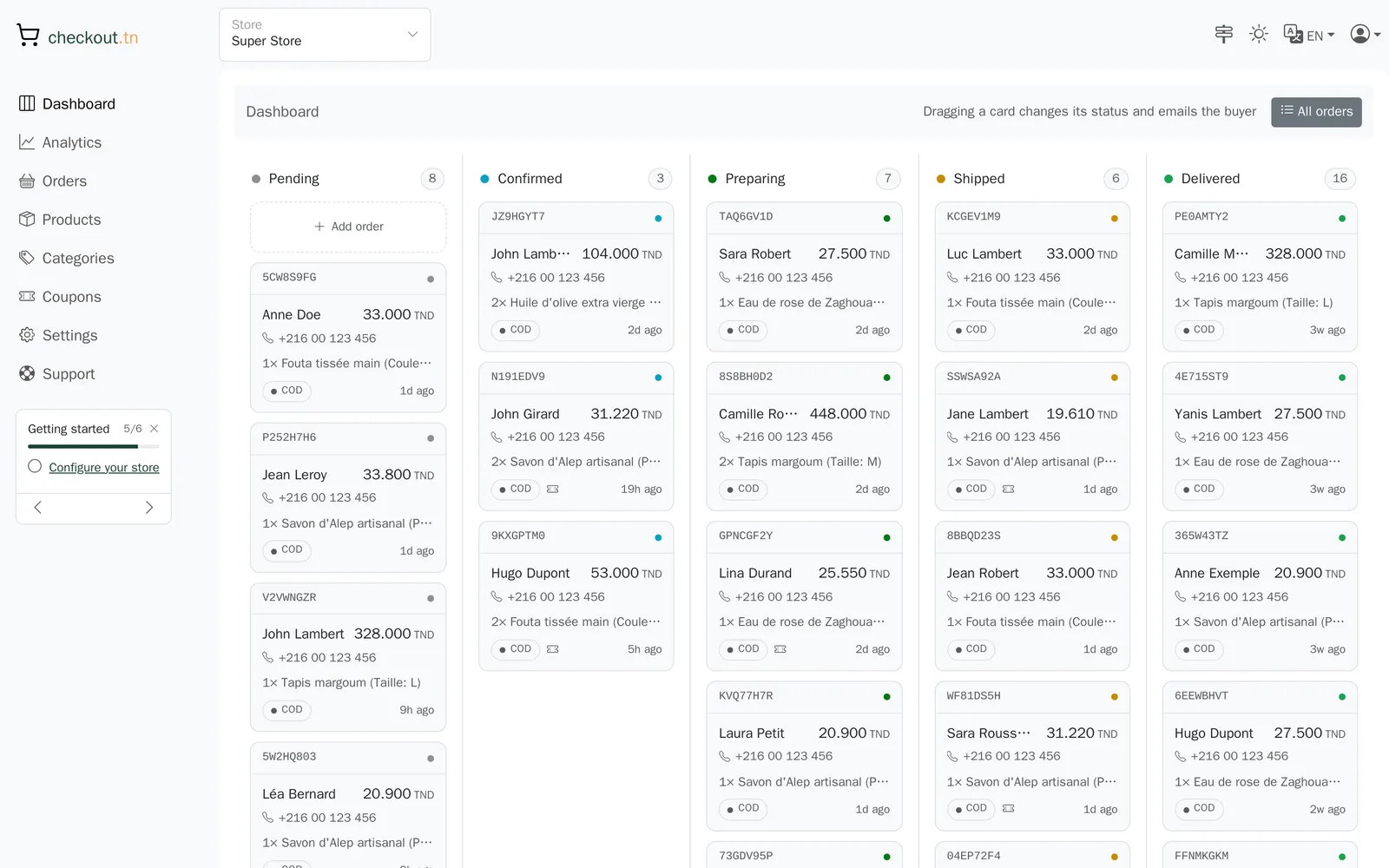
Your dashboard at a glance#
The left-hand column is your navigation: the orders board, the analytics, the orders as a list, the products, the categories, the coupons, the settings and support. Top right you will find the store switcher, the light or dark theme, the language and your account.
The getting-started list#
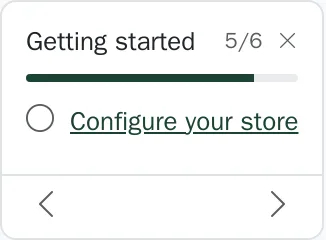
Under the navigation, a short list walks you through your first steps: configure the store, add a product, publish it, share its link, receive your first order. It ticks itself off as you go, and you can hide it once you no longer need it.
On the main pages, a signpost icon starts a guided tour showing where everything is. It also runs by itself on your first visit.
Can't find your answer?
Write to us from your dashboard, under Support. A real person answers.
Create my store