Promotions and discounts
Struck-through prices, quantity discounts and coupons, and the rule that stops them stacking.
You have three mechanics, the ones you already use in your stories, applied automatically at the moment of the order.
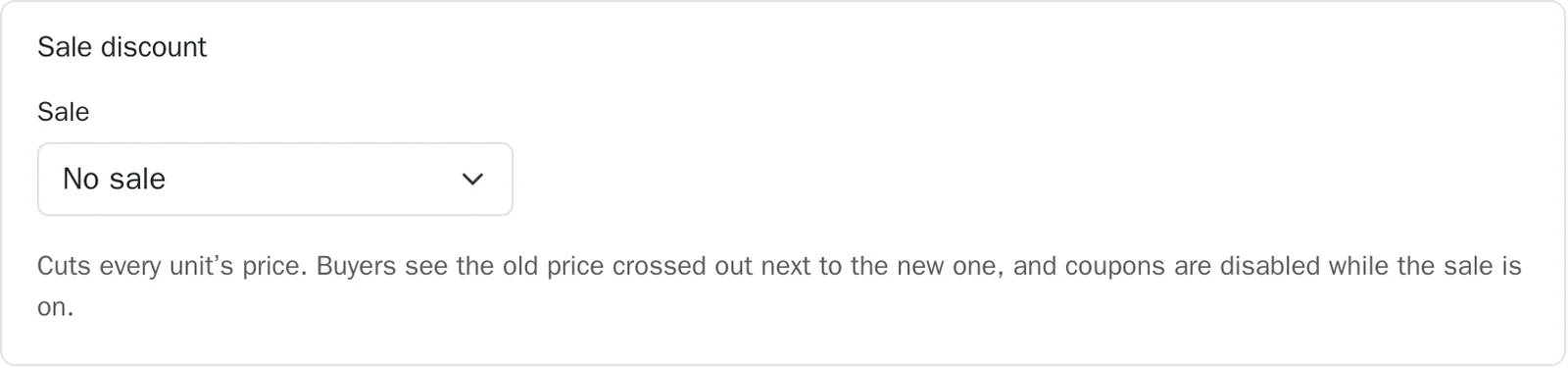
The sale, with a struck-through price#
Where to go:DashboardProductsyour productSale discount
A sale cuts the price of every unit, by a percentage or by an amount. Your customer sees the old price struck through next to the new one, on the order page.
Quantity discounts#
Where to go:DashboardProductsyour productQuantity discounts
Two shapes, as you prefer: tiers, for instance 10% off from 3 items, or a “buy 2, get 1 free” offer. The discount is worked out on the total quantity of that product in the order, across all variants.

Coupons#
Where to go:DashboardCouponsCreate a coupon
A coupon is a word your customer types on the order page. It can be worth a percentage or a fixed amount, run for a limited time, and apply to certain products only.
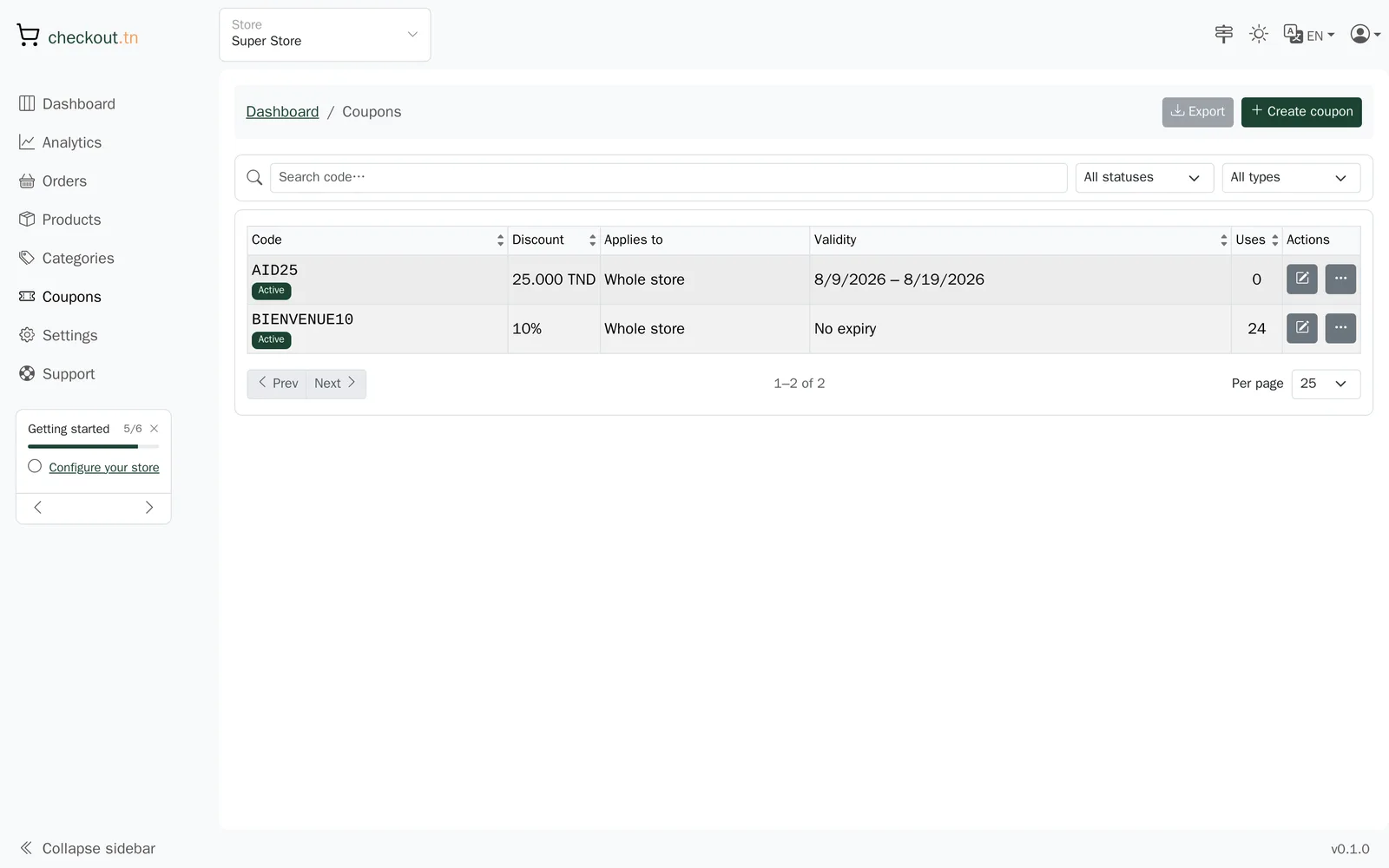
- Open Coupons, then “Create a coupon”.
- Choose the code, for instance BACK10: that is what your customer will type.
- Choose a percentage or an amount, and an end date if you need one.
- Save, then announce the code in your posts.
What stacks, and what does not#
An order never carries more than one discount. The rule is simple and it is applied for you.
| Situation | Result |
|---|---|
| A sale is running on the product | Coupons are refused while the sale is on. |
| A quantity discount fires | The coupon is refused for that order. |
| A sale and a quantity discount on the same product | Not possible: choose one of the two. |
| A coupon on its own | It applies normally. |
A coupon's usage counter tells you how many orders used it, which is enough to measure a campaign.
Can't find your answer?
Write to us from your dashboard, under Support. A real person answers.
Create my store